Arrisca Analyser
Confidence in your model + Confidence in your numbers = Confidence in your decisions
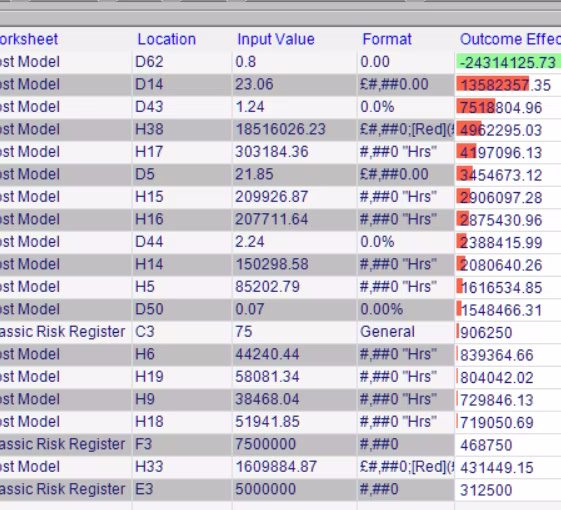
Sensitivity Analysis
This technique is used to get a fast and accurate understanding of what’s important in a model. Useful for both Excel spreadsheets and Project plans, it helps validate and audit models. One click of a button adds variability to each of the inputs on a model then a simulation is run. The key drivers - the most significant inputs - are calculated and displayed for easy assessment of the model.
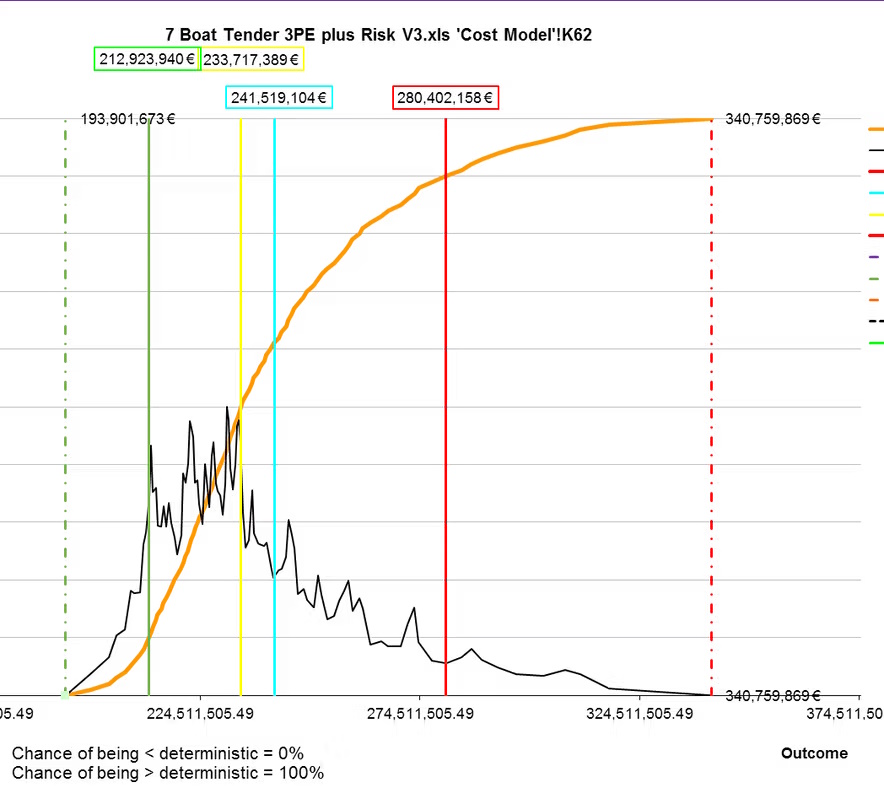
Monte Carlo Simulation and Analysis
The application allows uncertainty - probability distributions - to be added model and then simulated in 1,000s of different versions of the model, testing all the different permutations for each of the inputs. This allows you to see all possible outcomes for your model, and how likely they are to occur in reality.
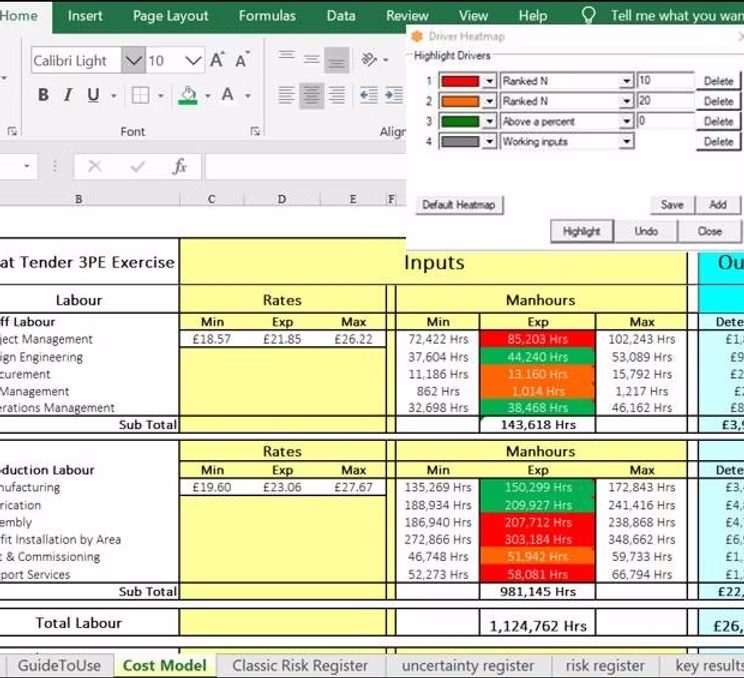
Heatmaps in a Model
After running a sensitivity analysis using Arrisca, the results can be visually displayed in a spreadsheet. This uses Arrisca's unique "heatmapping" capability and allows anyone to see at a glance which are the most significant input cells or groups within a model. This feature works for all Excel spreadsheets, regardless of the type of model, or how it has been constructed.